

Here you can find
Free Winols & Ghidra Online Tools
Use them to import mappacks/maps from Winols to Ghidra, create mappacks, protect your tuning from thieves.
CONVERT MAPS/MAPPACKS TO BE VISIBLE IN GHIDRA
GHIDRA WINOLS
MAPS LOADER
You can load any mappack or maps from Winols to Ghidra, including RAM and special areas. All comments, IDs, Names etc will be copied, including map and axis structures.
0. Download our import script helper here: TUNERSGUILD.WINOLS and store in the folder {your_windows_folder}/ghidra_scripts (for example mine is c:\Users\tpiro\ghidra_scripts\
Close and open Ghidra, if you do not see the script.
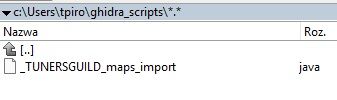
0. Download our import script helper here: TUNERSGUILD.WINOLS and store in the folder {your_windows_folder}/ghidra_scripts (for example mine is c:\Users\tpiro\ghidra_scripts\
Close and open Ghidra, if you do not see the script.

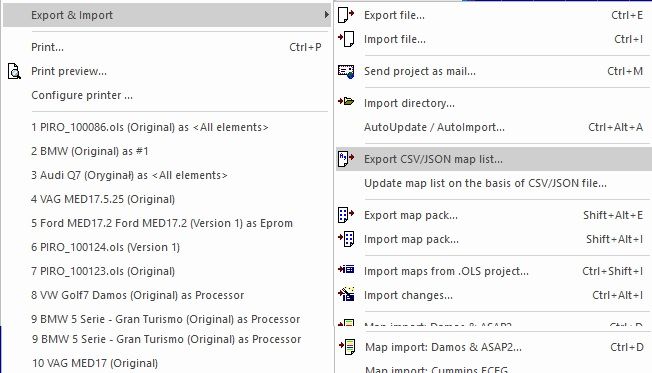
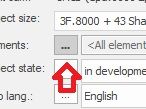
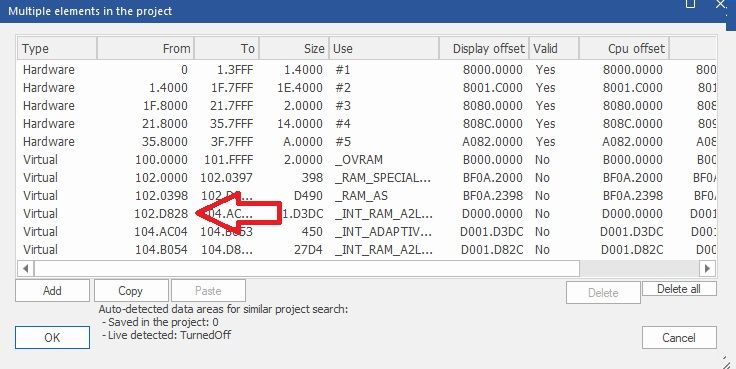
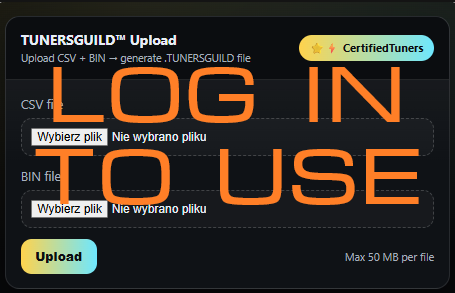
ANTI THIEF - CHIP FILE OBFUSCATOR
- in preparation
A2L GENERATOR (for ANY binary)
- in preparation

We are a Car Tuning Academy centred around the Thomas Teaches Tuning project. We will teach you how to chip-tune your cars from the basics to the master level.
We will also teach you how to reverse-engineer ECUs and add your code to them.